Dolvie
Overview
Dolvie is an AI chatbot app designed to help people living with chronic pain learn more about ways to improve their lives.
Users are able to create their profile and talk to Dolvie to explain their symptoms and set goals for themselves. The AI chatbot will provide personalized suggestions for the user and set goals for them to track their improvements.
Role
UI/UX Designer
Prototyping, Visual design, Interaction design
April 2024 - June 2024
Background
I worked with Dolvie in a contract position to help them visualize the very basics of their product. The development team was developing the algorithm for the chatbot and needed a front end design for the landing page, setup page, and chatbot interface.
My role centered on visual design, where I shaped the product’s visual identity and refined the interface to enhance user engagement.
Created the branding for the product. Designing the visual identity from the ground up was an exciting opportunity. Beginning with the color palette, I collaborated with the founder to establish a visual direction that aligned with his vision for the product and the emotional experience he wanted users to have while using the app.
Worked with the developers to ensure design accuracy. I provided design reviews during implementation, helping to identify design-related challenges and ensure that the final user experience remained consistent with the original vision. This process required a balance of flexibility, problem-solving, and a strong understanding of both visual design and development constraints.
I contributed to this project in the following ways:
Visual Design
By dedicating most of my attention to the visual design, I was able to experiment with various color palettes, develop branding elements such as the logo, and create meaningful design assets that contributed to a strong visual identity.
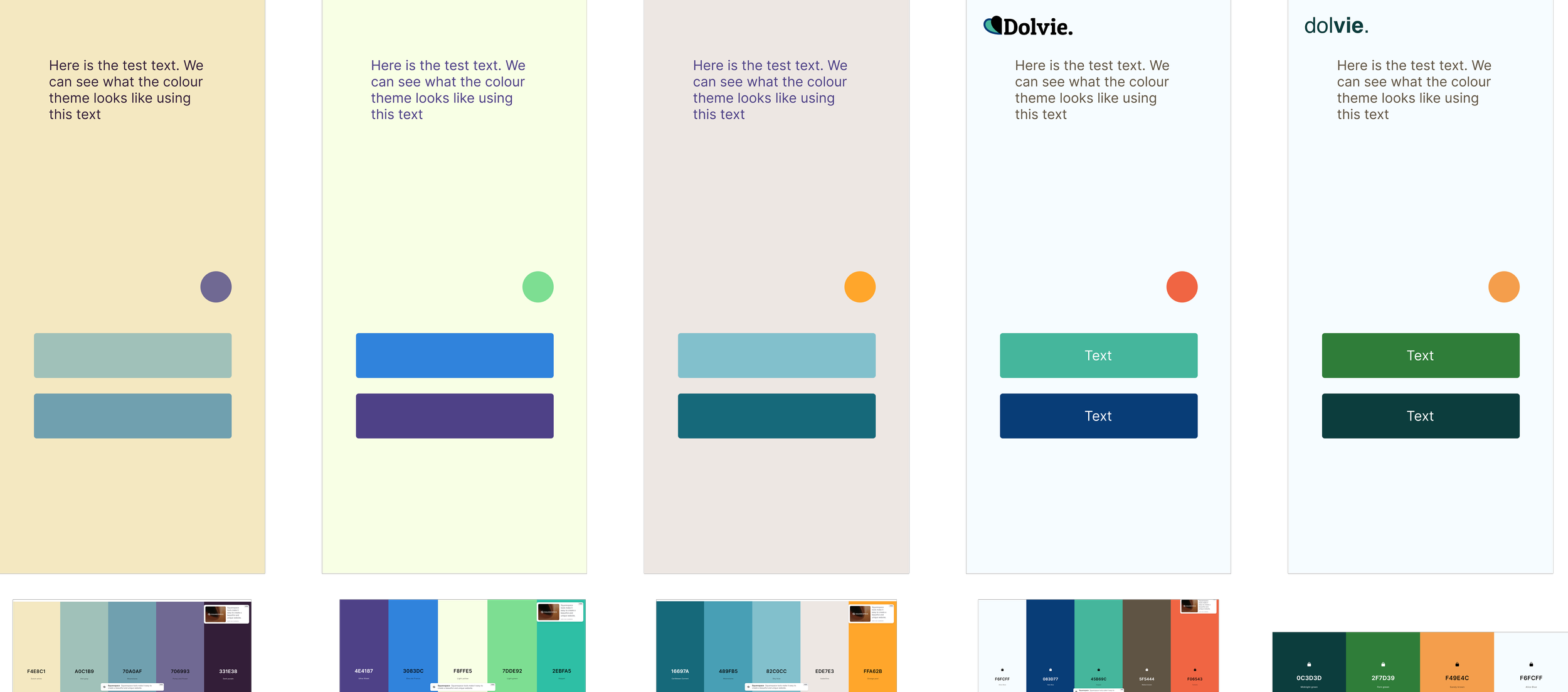
Through an iterative process that included presenting multiple colour palette and logo options, and reviewing UI inspirations provided by the founder, we arrived at a green and orange color scheme that aligned with the desired look and feel of the product.
Landing Page
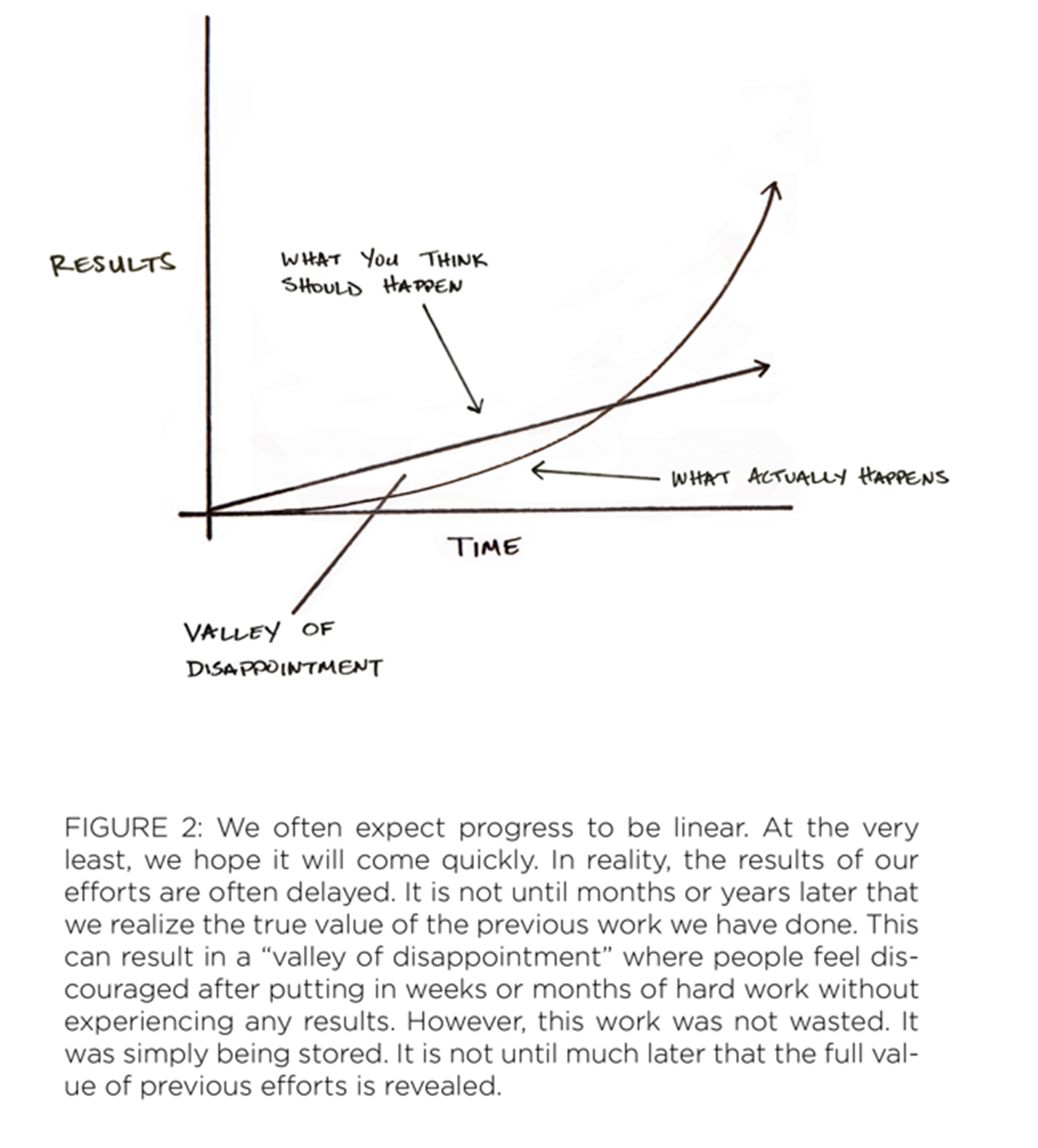
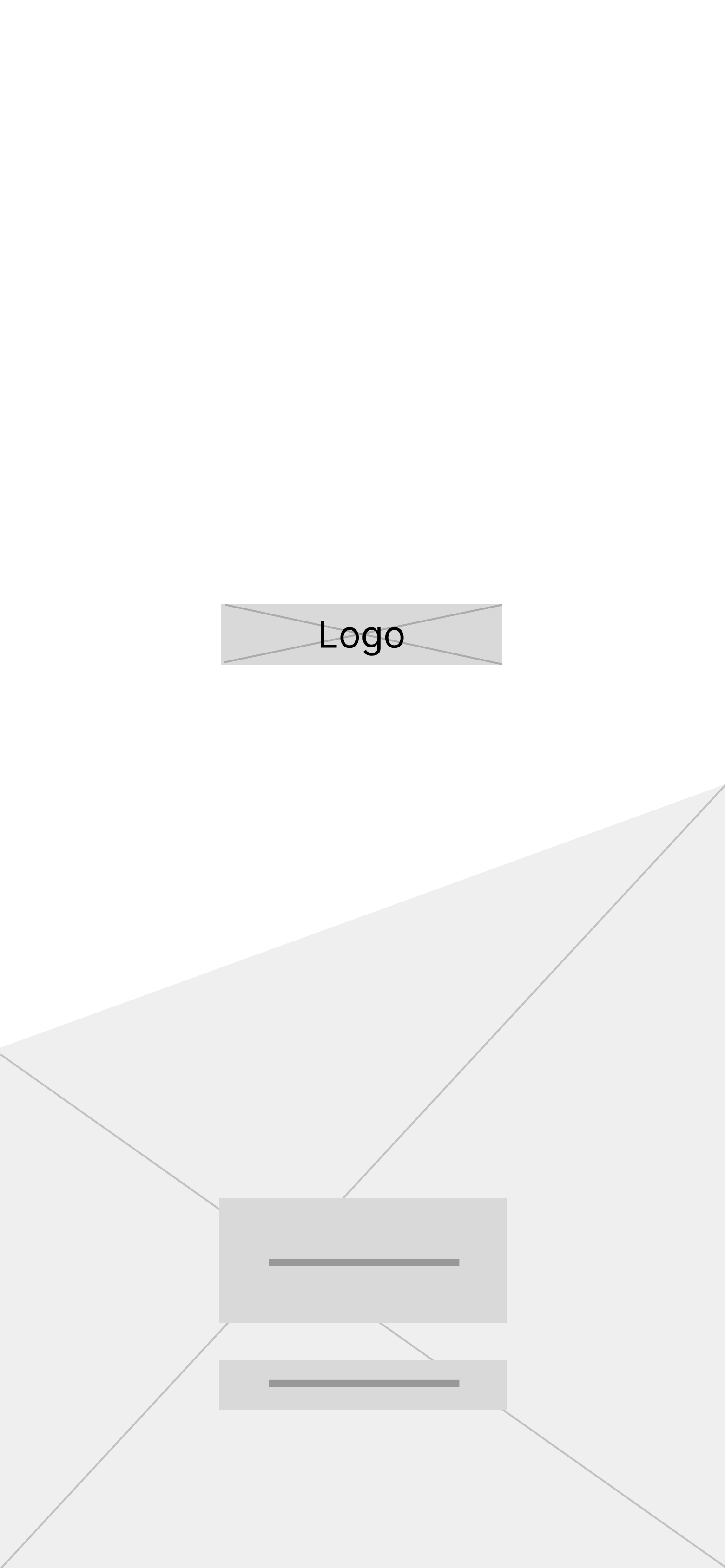
Throughout discussions with the founder, he shared a graph showcasing how people often make progress when making a change to their life. The graph, shown below, was worked into the background assets of the landing page, and into the graphics throughout the app to represent the non-linear path of progress.

User Setup Page
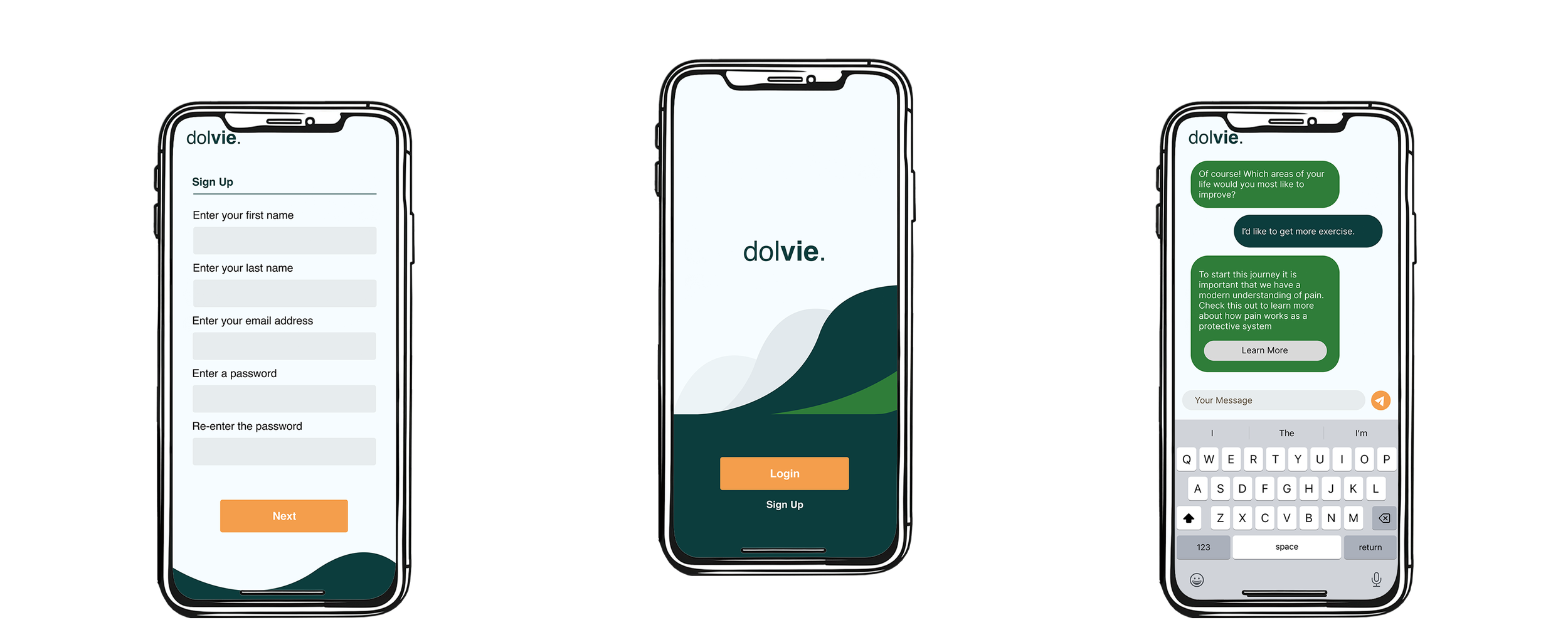
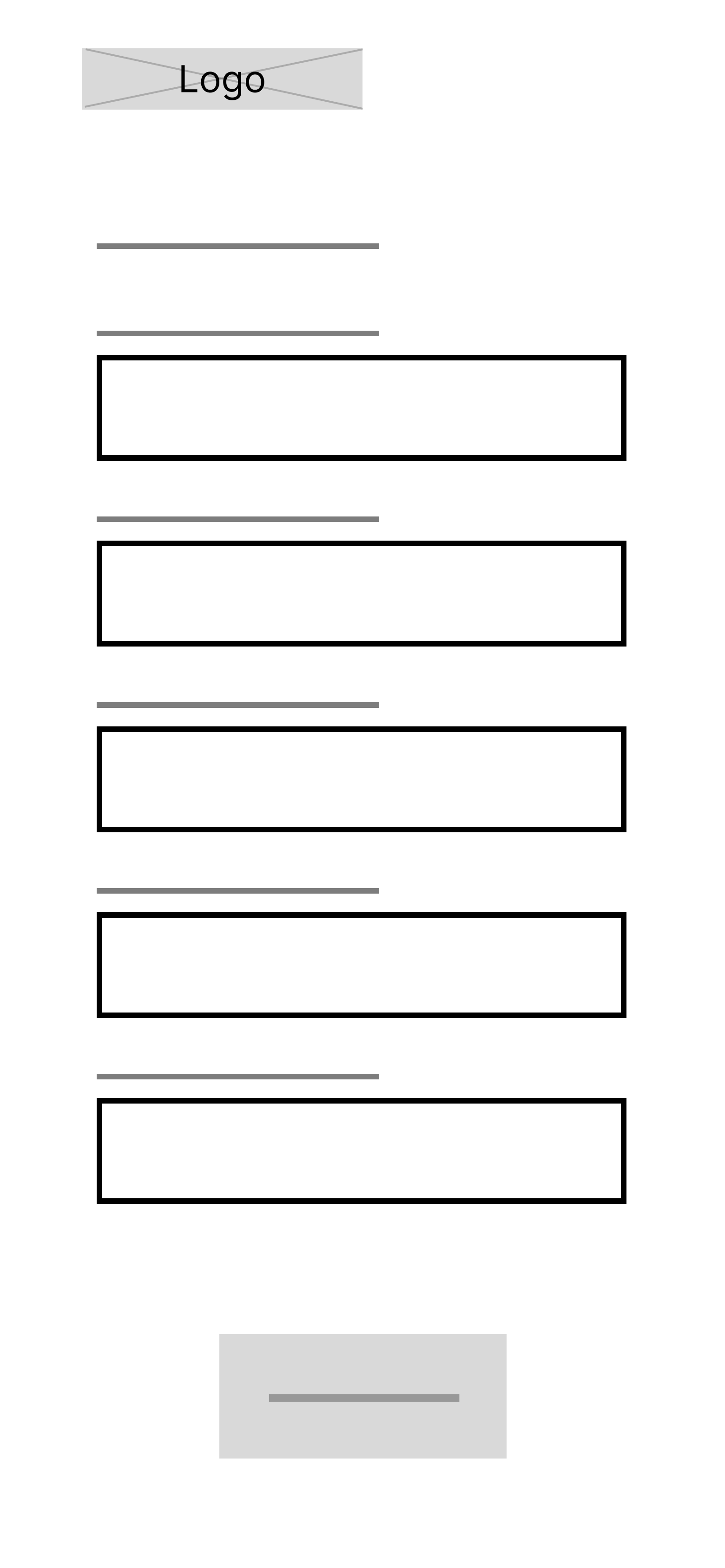
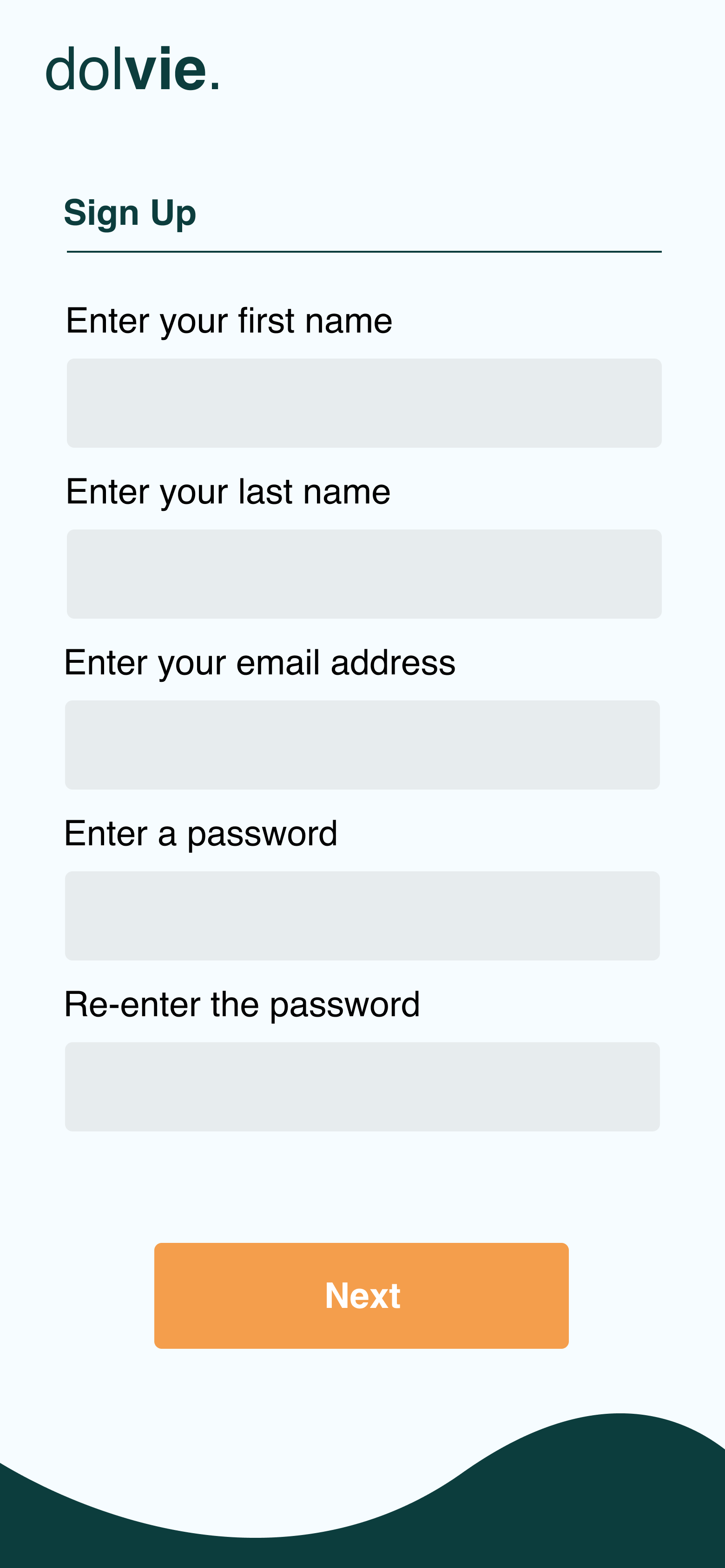
After selecting “Sign Up”, The user will input their information to create their account.
AI Chatbot Interface
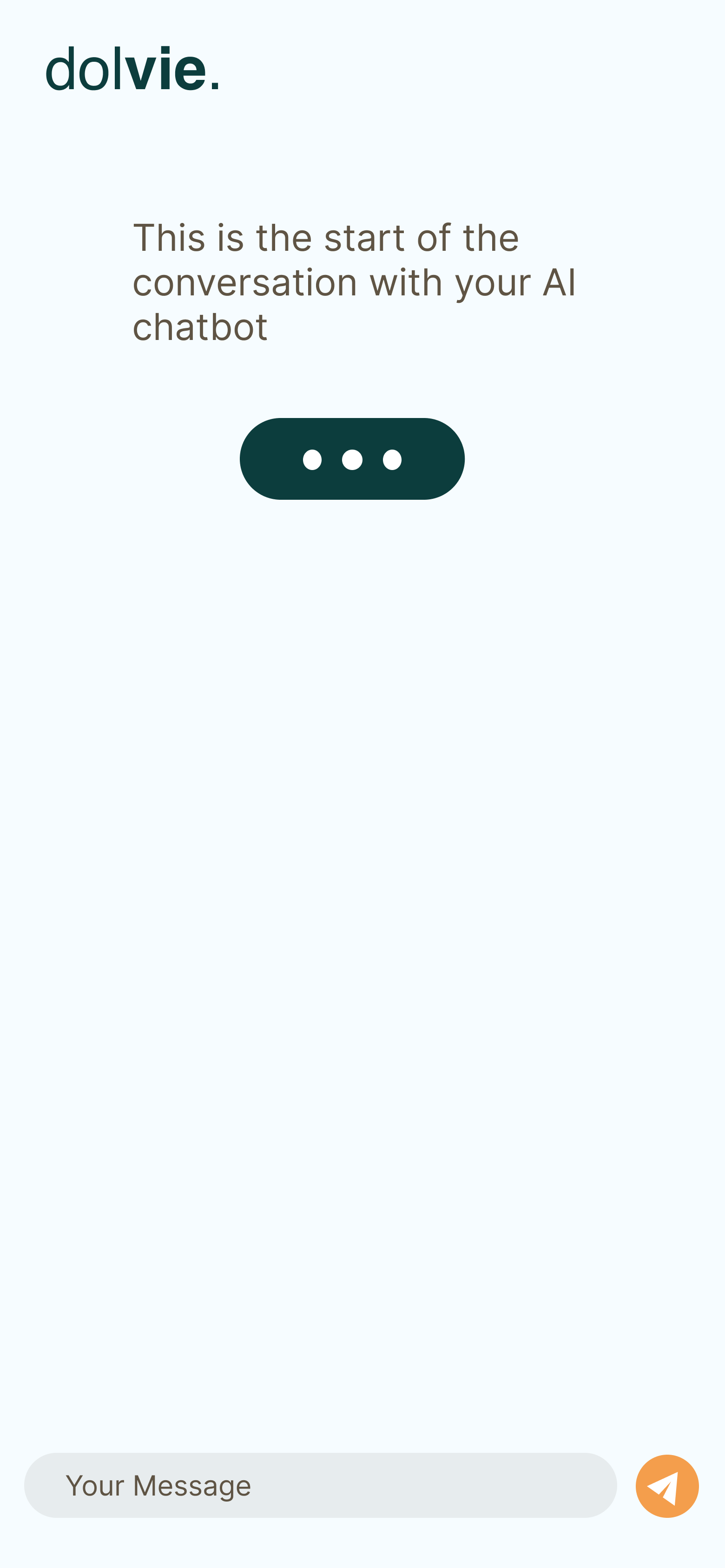
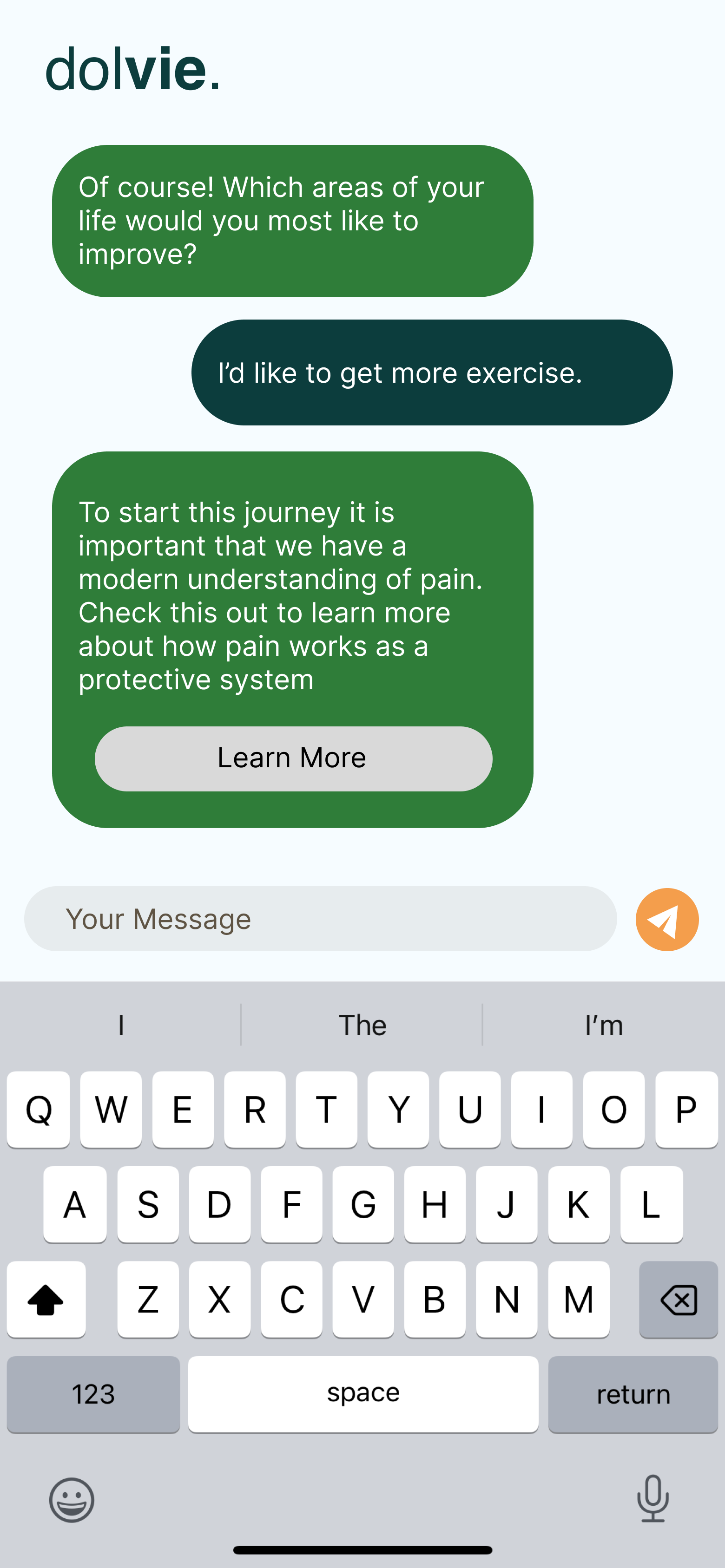
Once users are signed up, they will begin a conversation with the AI chatbot, where they describe their chronic pain, and answer questions from Dolvie to help the program better understand their needs. From there, the chatbot will create a plan to help the user reach their goals, and provide them with educational material to help them on their journey.
Results and Takeaways
Throughout my time working with the Dolvie team, I was given the opportunity to learn more about creating a visual look and feel for clients, focusing on helping their vision come to life
Some key takeaways from this project are:
Communication and collaboration is key. Working for a client who has not yet developed a desired visual atmosphere means that communication is incredibly important. Creating multiple design examples and sharing them with the client is crucial to creating exactly what they are looking for.
Don’t be afraid to pitch something unique. Getting feedback on creative work an be nerve wracking, but designs often evolve and change over time. Feedback and redesigns are a normal part of design work, and is one of the best ways to create a great product.